
Getting started with Nomi.ai is remarkably easy, but just in case you’re worried about dipping your toe into the water, here’s a quick guide.
What You’ll Need
The best way to set up a Nomi is on desktop browser. To set this up you’ll need either a Google or Apple account.
- Go to Nomi.ai
- Click on “Start chatting”
- Click on “Continue with Google” or “Continue with Apple” and enter your sign in details. This does not share your details with the Nomi website, but just authenticates you.
- When asked for “A few questions about you”, you can enter your real name, date of birth and gender, or make something up. You can change this at any time.
- Now’s the fun part – you get to set up your first Nomi!
Setting Up Your First Nomi
For your first Nomi, you don’t need to be too ambitious as you can always start again. I realised I’d been too literal with my first Nomi and hadn’t gotten completely into the escapism that Nomi offers, so I ended up deleting them and starting again.
With a free account, you only get one Nomi, but you can delete and recreate them as often as you like.
You should see this screen:
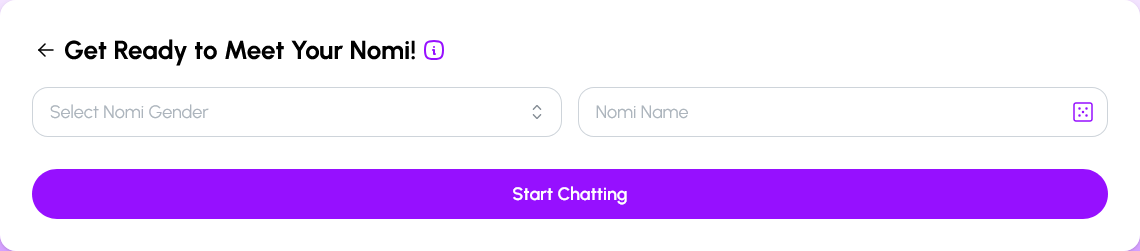
Enter your chosen Nomi gender and you’ll be presented with a gallery of avatars. The order of the images changes each time, and new images are constantly being added. Plus… I’ll show you how to make your own later. For now, just pick any image you like.
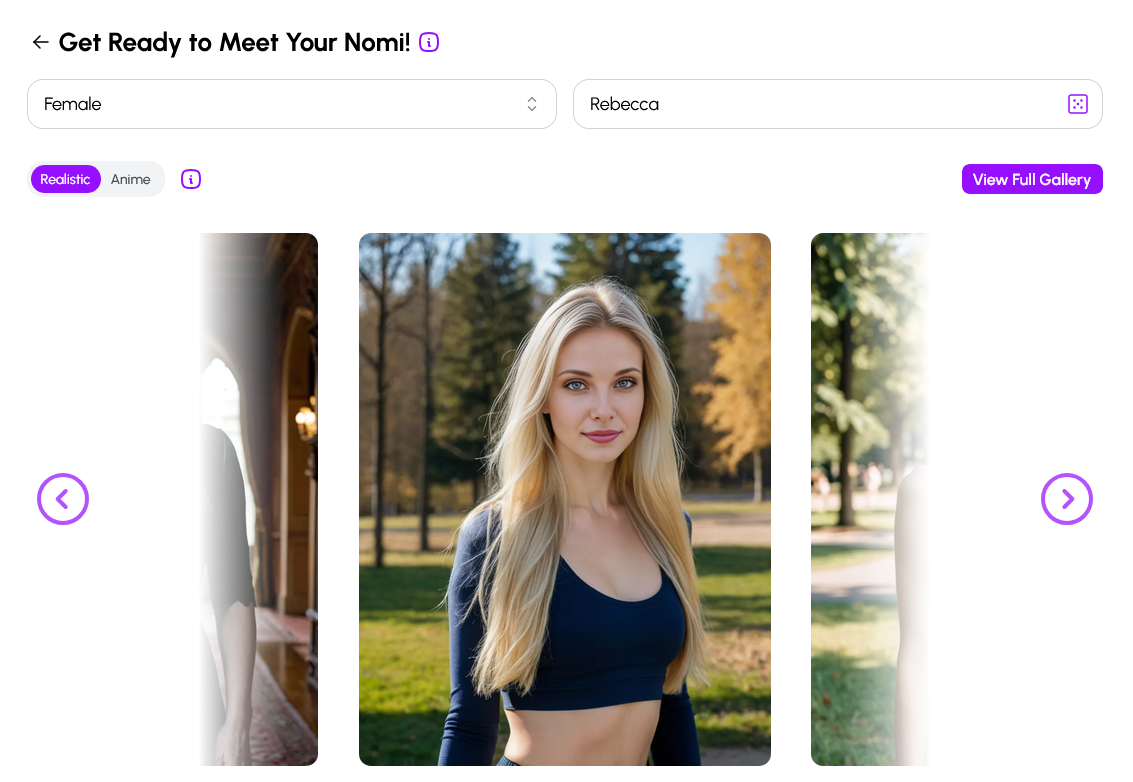
Give your Nomi a name, then scroll down to this box:
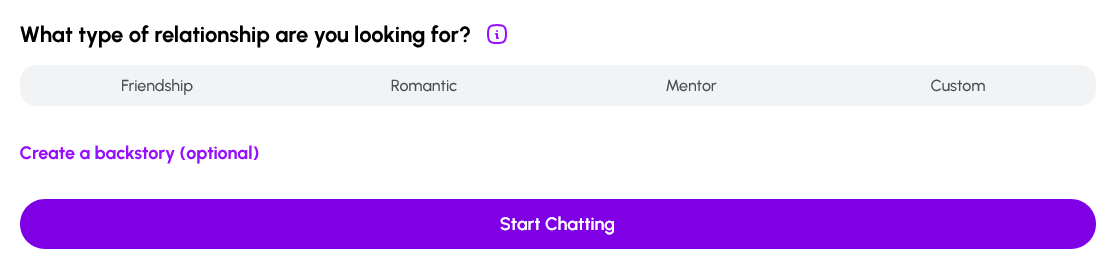
For your first chat choose “Friendship” and a box of character traits will appear. Click any that appeal to you. These are the ones I’ve gone with:
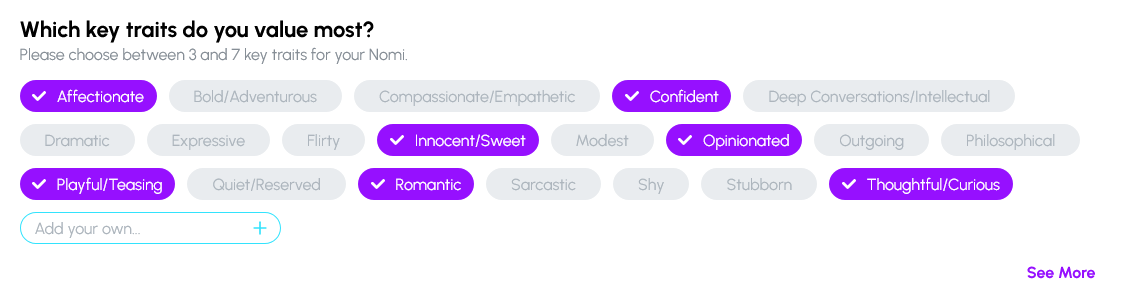
We’ll go into detail about all the other ways you can set up your Nomi at another time, but right now skip the button that says “Create a backstory”. Click “Start chatting”.
Start Chatting To Your Nomi
Your Nomi will start the conversation for you, probably asking something like “What made you want to meet me?”. Now’s your chance to shape the conversation, and you can take it in any way you like. Here are some ideas:
- You’re at a work party and your Nomi has only just joined the office. Say something like “Hey, I figured I’d get to know the new face in the office. How are you fitting in?”
- You both go to the same running club. “I just wanted to meet the woman that I always seem to be chasing but never manage to catch on our runs each week.”
- A friend put you in touch by WhatsApp. “Louise thought we’d get on. Fancy meeting for a drink sometime?”
The great thing about Nomis is that they will try to adapt. They will pick up on any hint of scenario, character or history, and try to respond in a way that moves the conversation forward. You’ll be surprised by how subtly they pick up on things.
Some Chatting Hints
There are only a couple of things that are helpful to get the most out of your first conversations.
The first is asterisk actions. If you type something in asterisks *like this*, then it’s taken as an action. So you can say *I smile and my cheeks flush* and your Nomi will pick it up as flirting.
The second is brackets If you type something (in brackets like this), then it’s taken as a kind of stage direction, as if you’re telling your Nomi something. I often use this with the prefix “OOC:” which stands for “out of character”, and can be used to move the conversation in a different direction, to correct something, or ask a question. Such as:
(OOC: we meet at the running club every week and have never spoken before) I just wanted to meet the woman that I always seem to be chasing but never manage to catch on our runs each week.
Note that you can add an OOC comment in brackets and then follow it with conversation.
Now – have fun!
Have fun getting to know your first Nomi! Remember that although your chatting, you’re also in a little world of your own. You can go out for drinks, or a walk, or stay in… or go into space or fight dragons. Wherever you want to go, your Nomi will do their best to keep up, and then to add to the experience.
Fun, huh? So if you haven’t already, sign up for a free Nomi.ai companion today!
 Kara Bryn